Nintendo64
Nintendo 64
A Nintendo 64 emulator designed for running in vanilla JavaScript pre-ECMAScript 2015 (no WebAssembly). Simply open the link below, click the red icon, and select a ROM file in N64 or Z64 format from your computer; it will be loaded and booted automatically.
Links:
Screenshots:
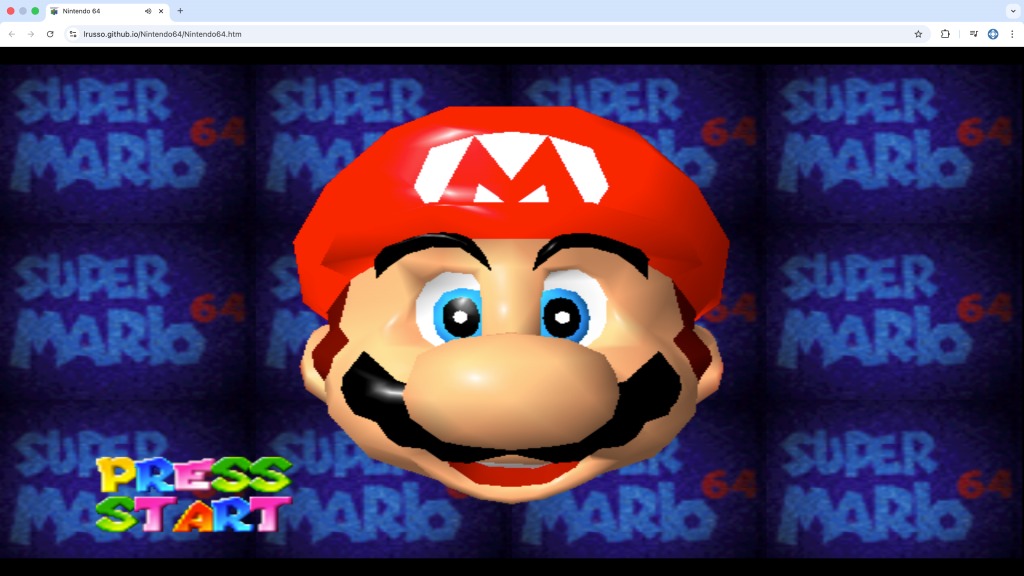
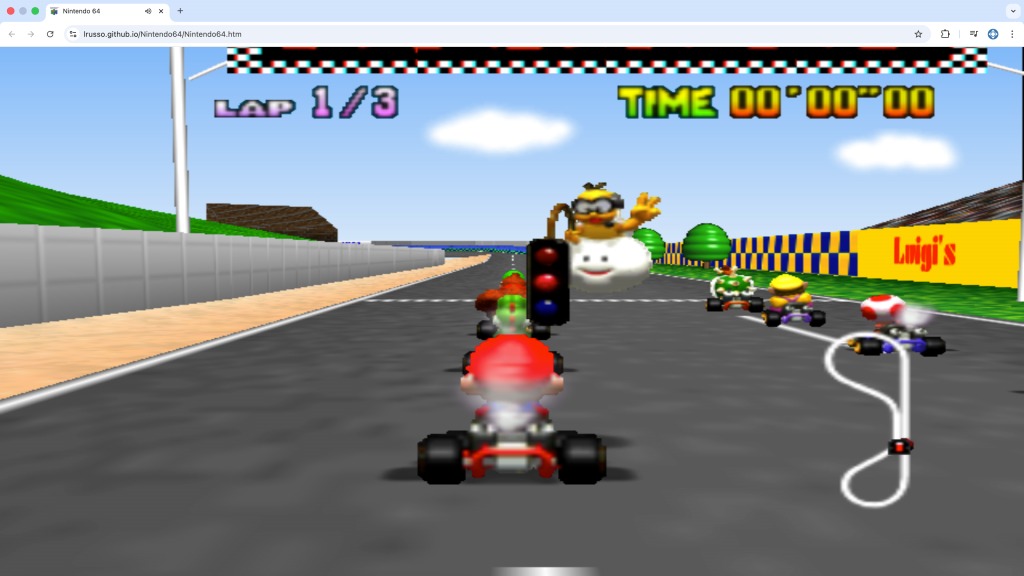
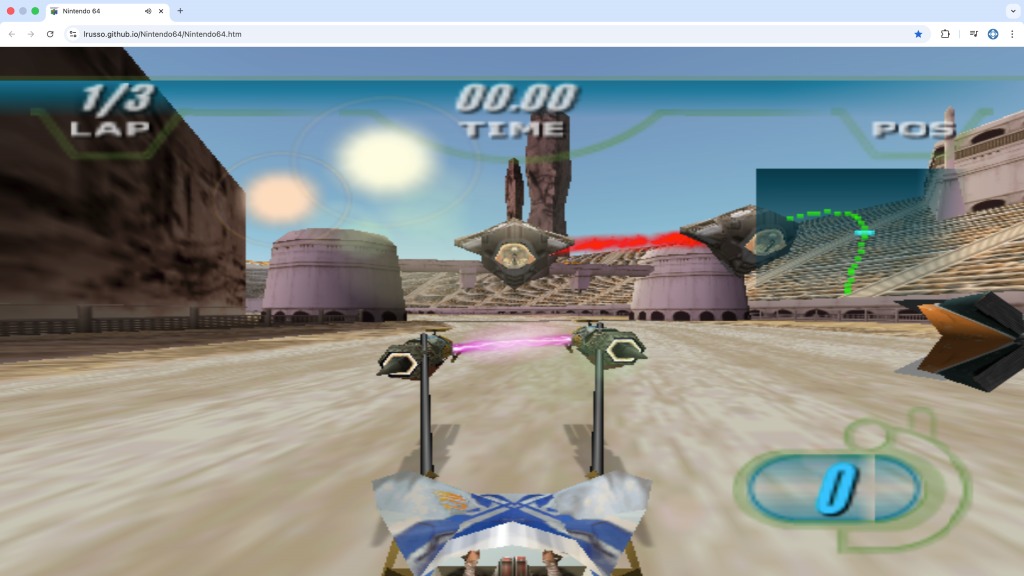
How to use it:
Examples of loading local and online files can be found here and here.
embedNintendo64({
  container: "game",
  name: "Star Wars Racer",
  rom: romFile,
  player1: {
    analogUp: "ArrowUp",
    analogDown: "ArrowDown",
    analogLeft: "ArrowLeft",
    analogRight: "ArrowRight",
    actionUp: "i",
    actionDown: "k",
    actionLeft: "j",
    actionRight: "l",
    up: "t",
    down: "g",
    left: "f",
    right: "h",
    start: "Enter",
    a: "d",
    b: "s",
    r: "w",
    z: "a",
    l: "q",
  },
  cbStarted: function cbStarted() {
    console.log("Emulator started.")
  },
})
| Parameter | Type | Required | Default value | Description |
|---|---|---|---|---|
| container | string | yes | – | Target element ID. |
| name | string | yes | – | Game name. |
| rom | ArrayBuffer | yes | – | ROM file. |
| player1 | object | no | – | Player 1 keys. |
| cbStarted | function | no | - | Called on emulator start. |
Special keys:
| Action | macOS Shortcut | Windows Shortcut | Safari Shortcut |
|---|---|---|---|
| Save state | Command + 1 | Ctrl + 1 | Ctrl + 1 |
| Load state | Command + 2 | Ctrl + 2 | Ctrl + 2 |
| Toggle sound | Command + 3 | Ctrl + 3 | Ctrl + 3 |
| Fullscreen mode | Command + F | Ctrl + F | Ctrl + F |
| Reset game | Command + R | Ctrl + R | Ctrl + R |
Main differences with the original project:
- Added logic to toggle sound.
- Added logic to load and save game state files.
- Implemented logic for pausing the emulator on blur and resuming on focus.
- Implemented a workaround that replaced ScriptProcessorNode (deprecated).
- Migrated the build to code compatible with pre-ECMAScript 2015 environments.
Based on the work of:
https://github.com/nbarkhina/N64Wasm
NOTE: Emscripten 4.0.23 was used to build the emulator.